
How to Search Cases by Name
Indiana Odyssey Public Access, called MyCase is where most Cass County case lookup work begins. Pick Search by Name. Type the last name first. Add a first or middle name only if the results need trimming. A company goes under Business Name instead. Birth dates can narrow a crowded list, though you should not share one outside a specific lawful search.
- Open public MyCase and choose the Name tab.
- Enter a last name, or Business Name for an organization.
- Add court, status, case type, or filing dates.
- Open the matching Chronological Case Summary.
- Confirm urgent settings with the court and official copies with the Clerk.
Search wide first so a spelling variant does not slip past you, then tighten by court and date. All three Cass trial courts sit on Odyssey.
| Field | Type | Behavior | Cass use |
|---|---|---|---|
| Last Name | Text | Required for person search | Add first or middle name to narrow |
| Business Name | Text | Alternative | Use for an organization |
| Court | Dropdown | Optional | Circuit, Superior 1, or Superior 2 |
| Status | Selector | All, Open, Closed | Does not control document access |
| File Date | Date range | Optional | Limits by filing date |
Cass MyCase Search Paths
MyCase splits its search tools into Case, Name, and Attorney. The official MyCase help page describes the portal as public, nonconfidential Odyssey information, and it warns that some documents and older records may not appear.
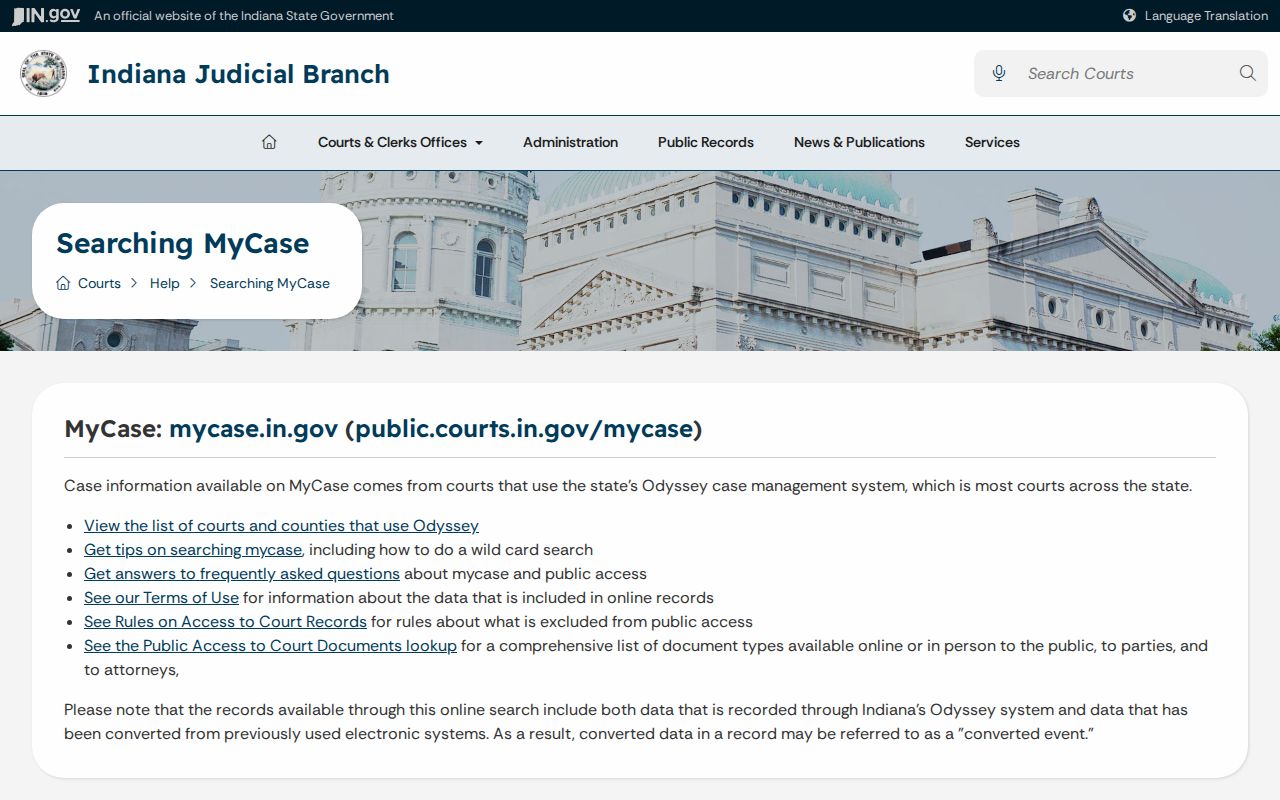
One boundary matters here. A search result only locates a file; the Clerk authenticates it. Guest access is available through the MyCase public landing page.
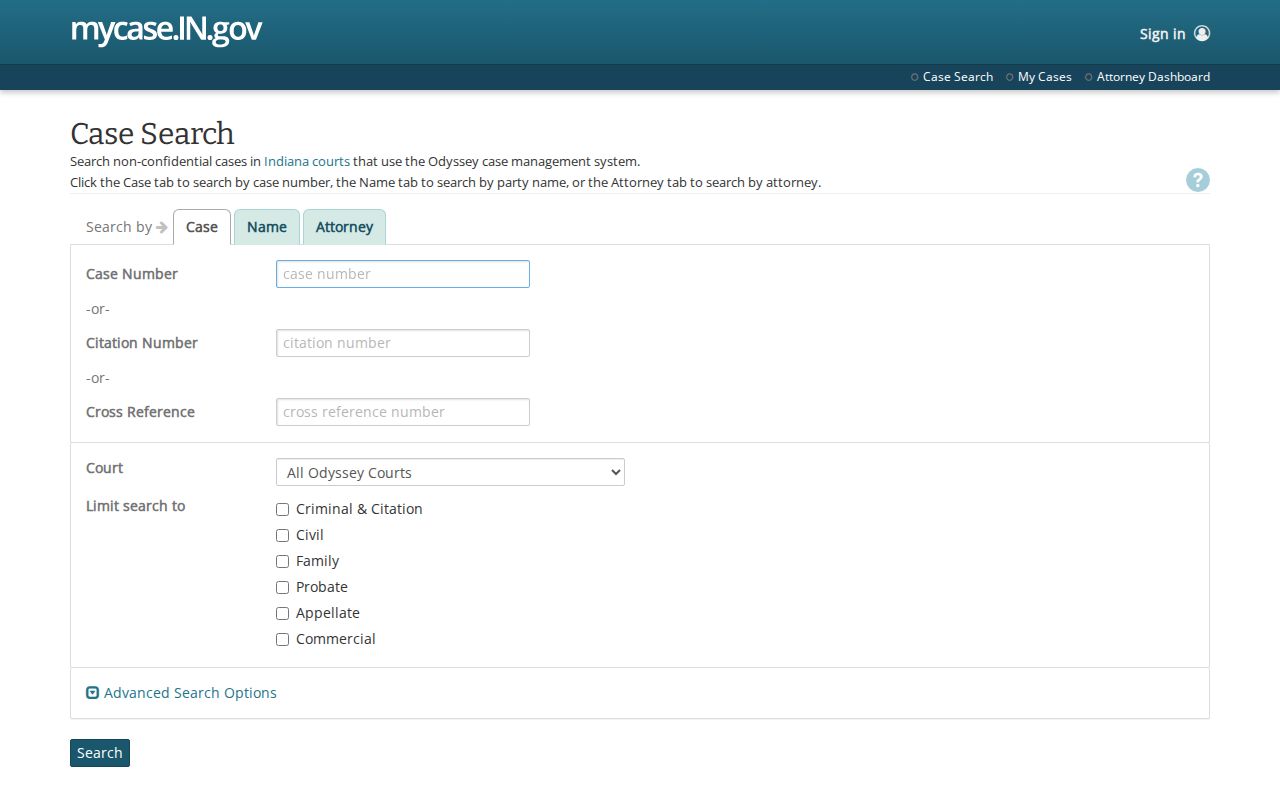
Parties and attorneys can unlock added document access after signing in. A public guest sees only what the courts approve for remote viewing.
How to Search by Case Number
Nothing beats a case number for pinning a matter to one court. Indiana builds each number from the court, the filing year and month, the case type, and a sequence. Cass cases open with 09C01 for Circuit. Superior I uses 09D01, and Superior II uses 09D02. MyCase forgives missing hyphens and leading zeros, but exact entry cuts down confusion.
Never swap in a police incident number. Citation and cross-reference numbers have their own fields. If the full number returns nothing, strip the spaces and double-check the court segment. Retry without hyphens before calling the Clerk.
Cass Court Codes Route Results
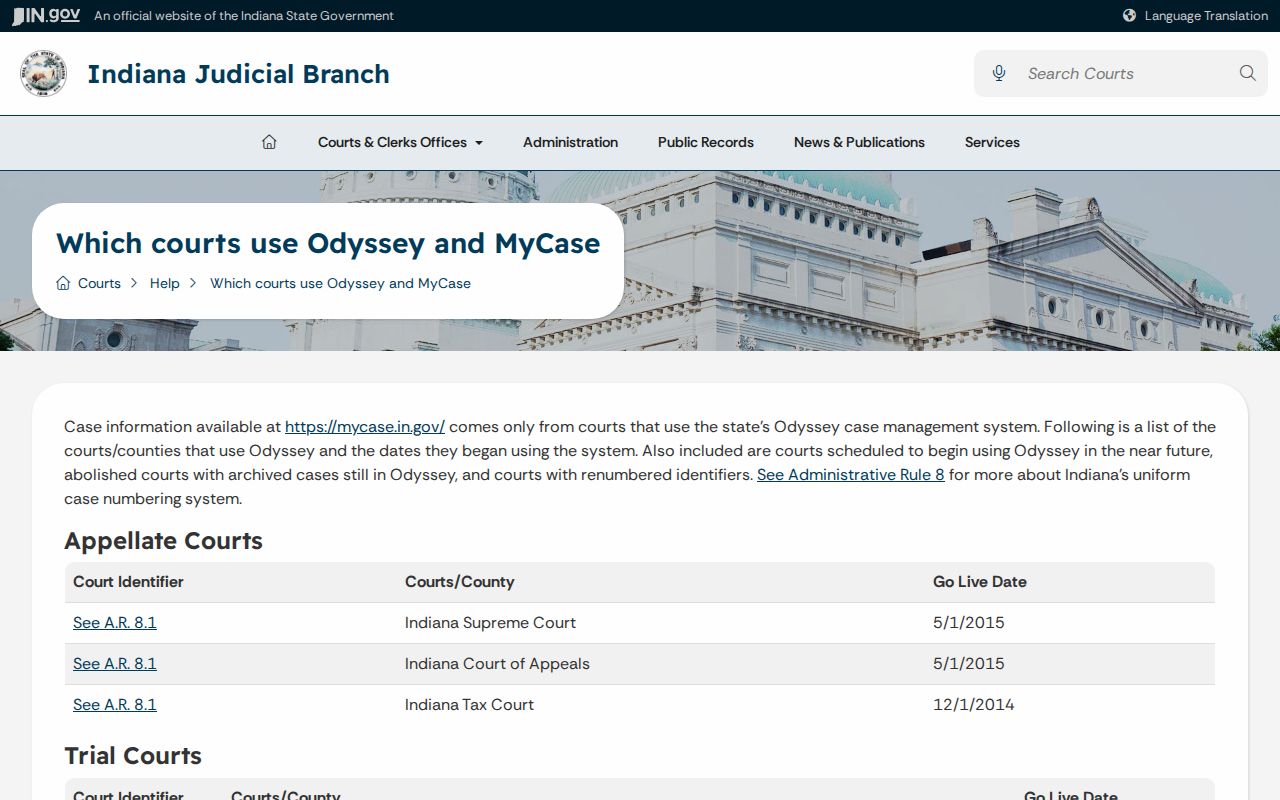
The Odyssey court list shows all three Cass courts joining Odyssey on June 20, 2011.
Circuit covers support, juvenile, CHINS, paternity, guardianship, and adoption cases. Superior I takes Level 6 felonies, small claims, evictions, protective orders, and mental-health matters. Superior II handles most misdemeanors, infractions, and ordinance violations. Cases do move between courts. A blank result under one filter deserves an All Courts search.
What a Case Search Shows
Open a Cass County case lookup. You get a case header plus the date-ordered CCS. The public view may list parties and roles, counsel, case type, filing date, status, events, hearings, orders, financial entries, and document links. One caution. A missing link does not prove the document is missing from the file.
| Case and court | Cause number and Cass court assignment |
|---|---|
| Caption and roles | Public party names and roles |
| Type and status | Category plus open or closed status |
| CCS entries | Date-stamped filings, settings, orders, and events |
| Setting | Date, time, judge, courtroom, and type when public |
| Documents | Links approved for remote access |
When checking a court date, read the newest CCS entry first. A hearing may have been reset later while the old setting still sits in the history.
Cass Filters Prevent Result Overload
MyCase stops at 1,000 results. A common surname can hit that ceiling before the Cass case you want ever shows. Court, case type, status, and filing-date filters shrink the list without leaning on private details.
The official search tips lay out the difference between sounds-like matching and a trailing wildcard. Each does a distinct job.
Sounds-like matching catches spelling variants. A trailing star, like Rob*, pulls every name starting with those letters. The two options cannot be combined, and a wildcard cannot stand in for an entire name.
County vs Statewide Case Search
Cass runs no county-only case portal. MyCase serves as both the statewide layer and the public electronic window into Cass Odyssey records. The real comparison is between a free screen and the official file the Clerk maintains.
| MyCase | Cass Clerk and courts |
|---|---|
| Participating Indiana courts | Cass Circuit and Superior I and II |
| Free CCS and some documents | Official and certified copies |
| Name, case, citation, attorney | Older, missing, or unlinked material |
| May lack current balance | Current record questions |
The Clerk's counter sits at 200 Court Park, Room 407, Logansport. Hours run Monday through Friday, 8:00 a.m. to 4:00 p.m. Call (574) 753-7740 before trying any unconfirmed mail, fax, email, dropbox, or terminal route.
Cass Search Controls Up Close
The official field-controls resource shows how court, status, dates, and party fields fit together.
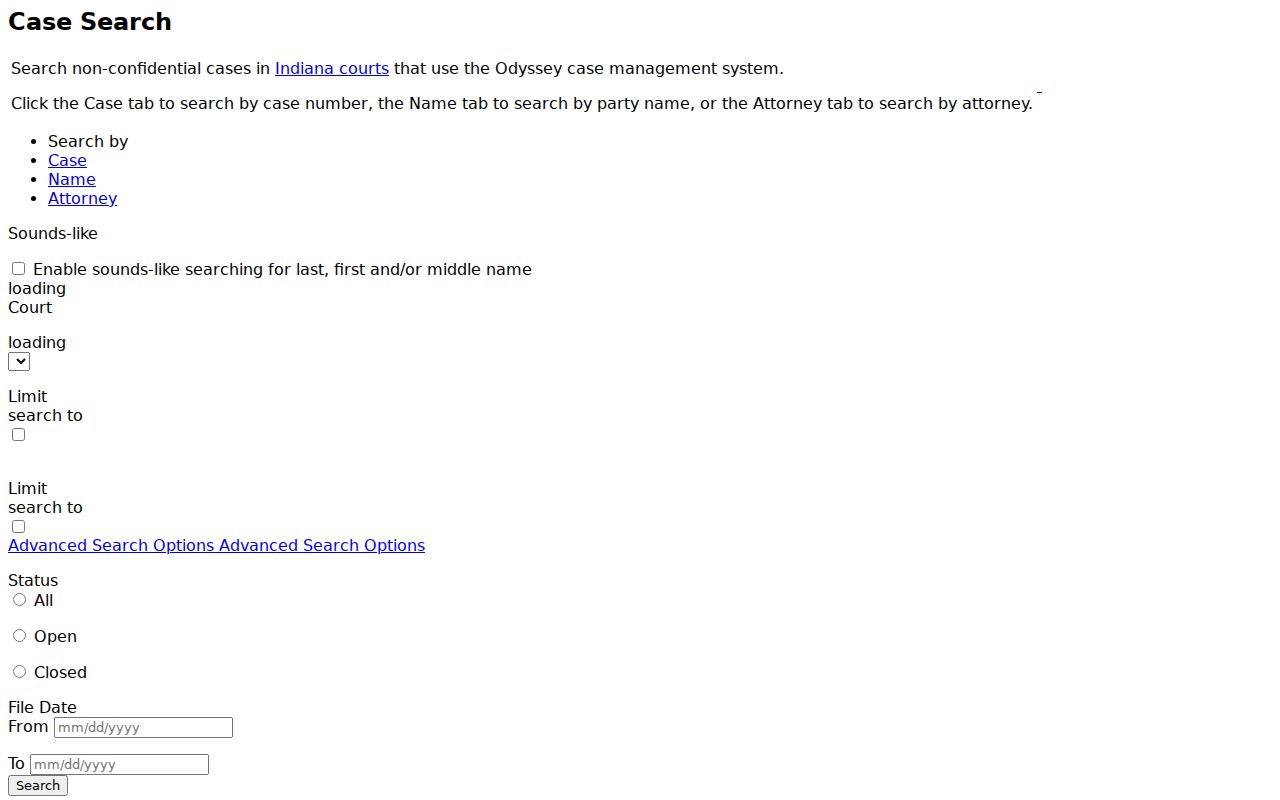
Begin with the fact you trust, then add one filter at a time. A result that vanishes after a court filter may mean the case moved. The direct search screen is where those controls actually live.
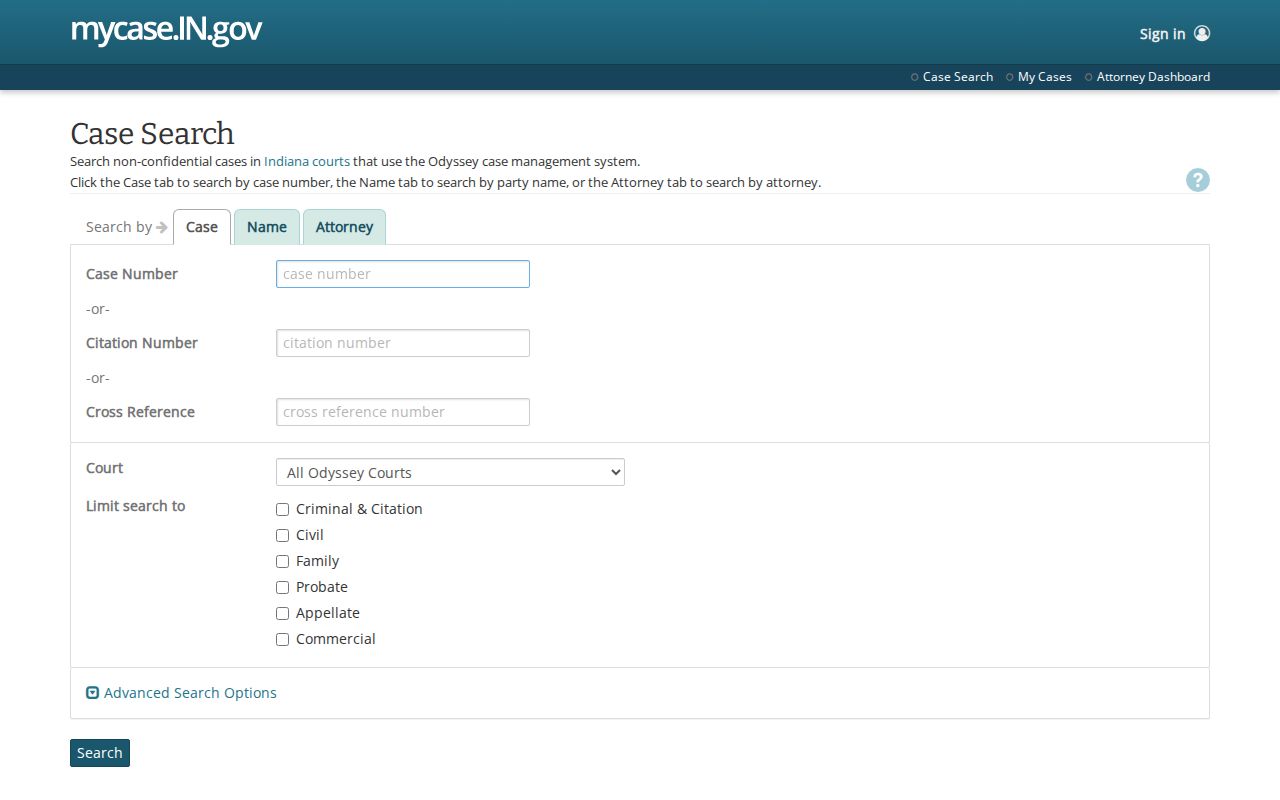
CAPTCHA may appear to limit automated activity; it guards the portal and says nothing about whether a record is restricted.
Restricted Cases and Access Rules
Indiana Access Rule 4 begins from openness. Rule 5 and other laws carve out exceptions. Juvenile, mental-health, sealed, expunged, and some family information may be hidden from view. Protection-order name searching carries its own safeguards, unlike a routine party search.
A case missing from MyCase might still exist. Ask the Cass Clerk which custodian holds the file. Access Rule 9 sets out a verified written process for qualifying requests to view excluded records. Notice and court review come with it.
Cass Converted Events Need Context
Cass courts joined Odyssey in 2011, and older data carried over may show up as a "converted event." That label marks migrated information only. It is not a new filing, ruling, or court date.
Quick check: When a converted line lacks detail, identify the court and cause number, then ask the Clerk for the maintained record.
Set a converted entry beside the later CCS lines to read it in context. Some historical files still call for a paper-record search at the Clerk's office, since the courts provide no public bulk export of historical records.
A Cass Hit Is Not Certified
What you see online serves everyday needs. You can track your own case from home. You can confirm a court date, or follow a Cass County court docket. But the screen is not a certified record. A certified copy from the Clerk carries authentication and may include material that never appears online. The MyCase guidance spells out that limit plainly. When you need something official, call Destry Richey's staff. Give them the case number, the court, and the document or date range. For an urgent hearing, call the court named in the entry.
Each Cass County court has its own line. Cass Circuit Court answers at (574) 753-7730. Superior Court I uses (574) 753-7735, and Superior Court II uses (574) 735-6841. Match the number to the court shown in your case header before asking about a setting. Be careful with fax numbers. County pages publish conflicting ones for the Clerk; confirm by phone before faxing anything.
Other routes have firm boundaries. Indiana e-filing exists for submitting documents through certified providers, not for public case lookup. The county public-information form is no substitute for the Clerk, who keeps the court records themselves. The county offers no public terminal schedule, docket kiosk, bulk Cass download, or general email search service. A quick call beats emailing case details to an address nobody has verified.
Sometimes a docket search fails because it is too tight. Drop the middle name or birth date. Widen the filing dates, and switch a single-court filter to All Courts. Check open and closed cases too. Transfers can move a matter out of the division you expected. If nothing turns up, give Clerk staff the cause number, the filing description, and a rough year. That is enough for them to start a paper-record search on your behalf.